Armoury Crate Lite vs Full: Which One is Right for You?
If you’ve ever opened your ASUS gaming laptop or desktop and seen a software called Armoury Crate, you probably wondered what it actually does — or whether you even need all of it. Now that ASUS offers Armoury Crate in two versions — Lite and Full, it’s easy to feel stuck choosing the right one.
But don’t worry. This blog will walk you through both versions in the most simple way possible — what each one does, how they differ, and which one fits your needs without making your system heavy or cluttered.
What Is Armoury Crate, Really?
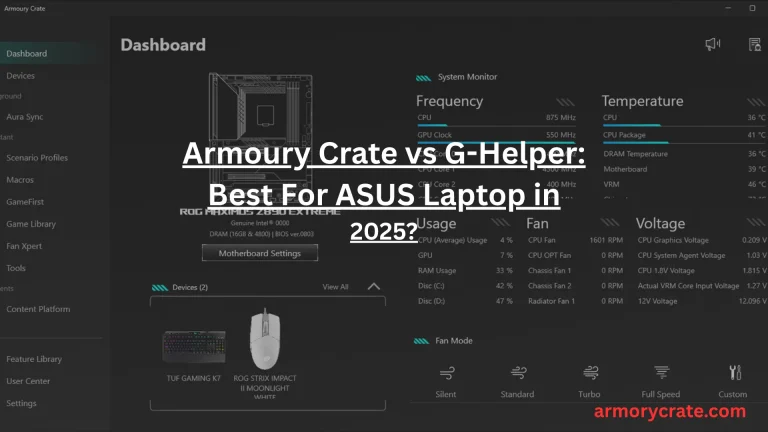
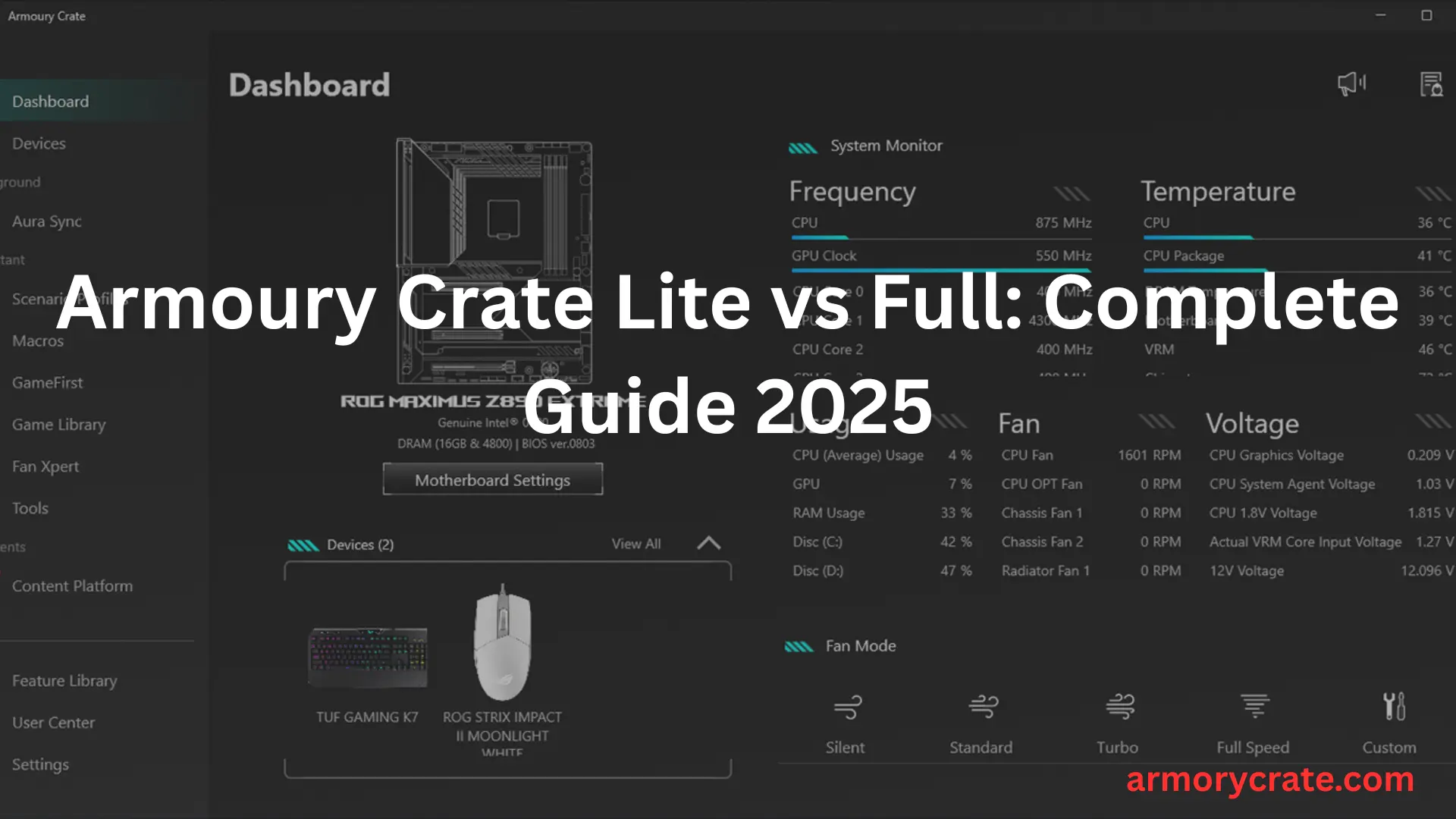
Armoury Crate is an official software from ASUS, designed mainly for ROG and TUF series laptops and desktops. It brings together your system’s performance tools into one place. Consider it like a dashboard where you can adjust fan speeds, switch between power modes, view your CPU/GPU usage, control RGB lights, and even manage your game library.
It saves you from opening five different apps just to tweak how your laptop behaves during gaming, streaming, or working.
So, Why Two Versions – Lite and Full?
Not everyone wants everything. Some users just want to tweak fan speed and close the window. Others want total control — from system temperatures to lighting colors and automatic updates.
That’s why ASUS made:
Armoury Crate Lite – for the users who want simplicity and speed.
Armoury Crate Full – for gamers and power users who want every feature available.
Let’s break them down.
Armoury Crate Lite: Light, Fast, and Focused
The Lite version of Armoury Crate is designed to give you only the essential tools. It doesn’t force you to install extra stuff. Instead, it keeps things clean and lean.
What You Can Do with Lite:
- Adjust power modes (like performance, silent, turbo)
- Control fan speed
- Monitor CPU, GPU, memory, and temperature
- Access a basic system dashboard in one click
It’s perfect if you:
- Don’t use RGB lighting
- Don’t need game management features
- Don’t want the app running background services or updates all the time
Less bloat = better performance. Especially for users who just want stability and don’t care for extra visuals or syncing hardware lighting.
Armoury Crate Full: Packed with Features for Power Users
.The Full version includes everything from the Lite version — but adds more layers of control, customization, and automation.
What’s Extra in Full:
- Aura Sync: Control RGB lights across ASUS keyboard, mouse, laptop, and even RAM
- Game Library: See and launch your installed games in one place
- Driver and Firmware Updates: Stay up to date without visiting ASUS website
- Scenario Profiles: Automatically switch settings when launching games
- Device Configuration: Control mouse DPI, key mapping, or monitor display settings
- OMNI Virtual Pet: A fun virtual character that reacts to system changes
Full version is ideal for:
- Gamers who love personalization
- Users with multiple ASUS devices
- Anyone who likes automation and system-wide syncing
But just a heads-up — it uses more RAM, runs more background services, and takes up more storage. It’s not slow, but it’s heavier than the Lite version.
Side-by-Side: Armoury Crate Lite vs Full
Feature | Armoury Crate Lite | Armoury Crate Full |
|---|---|---|
Fan Control & Power Modes | Yes | Yes |
CPU/GPU Monitoring | Yes | Yes |
Aura Sync (RGB Lighting) | No | Yes |
Game Library | No | Yes |
Driver & Firmware Updates | No | Yes |
Virtual Pet (OMNI) | No | Yes |
Scenario Profiles | No | Yes |
System Load | Low | Medium-High |
Installation Size | Small | Larger |
Hidden Aspects People Miss When Choosing
While most users compare Lite and Full based on features, here are a few overlooked factors that can impact your decision:
1. Battery Life
On laptops, Full version might slightly reduce battery time due to background services like updates and Aura Sync polling.
2. Background Processes
Full version installs several extra services that run even when you don’t open the app. Lite keeps background activity to a minimum.
3. System Boot Time
Startup time might be a bit slower with the Full version, especially if you enable all modules (RGB sync, device configuration, etc.)
4. Updates Frequency
Full version receives more frequent internal updates and patch modules. Lite mostly depends on Windows Update or manual upgrades.
Which One Should You Use?
Still unsure? Here’s a quick way to decide:
👉 Go for Lite if you:
- Don’t care about RGB lighting
- Just want fan and performance control
- Like a clean, minimal setup
- Use an older or mid-range ASUS laptop
👉 Choose Full if you:
- Have RGB devices and love customizing
- Want an all-in-one game and device manager
- Prefer automatic driver updates
- Use high-end ROG desktops or laptops
Final Thoughts
Choosing between Armoury Crate Lite vs Full is not about better or worse — it’s about what suits your usage style. If you want a fast, light experience without the bells and whistles, Lite is more than enough. But if you’re the kind of user who tweaks everything, enjoys lights, and wants full control over your setup, the Full version will feel like home.
The best part? Both are free — so you can start with Lite and upgrade to Full anytime.