Armoury Crate vs OpenRGB: Best ASUS RGB Control Software
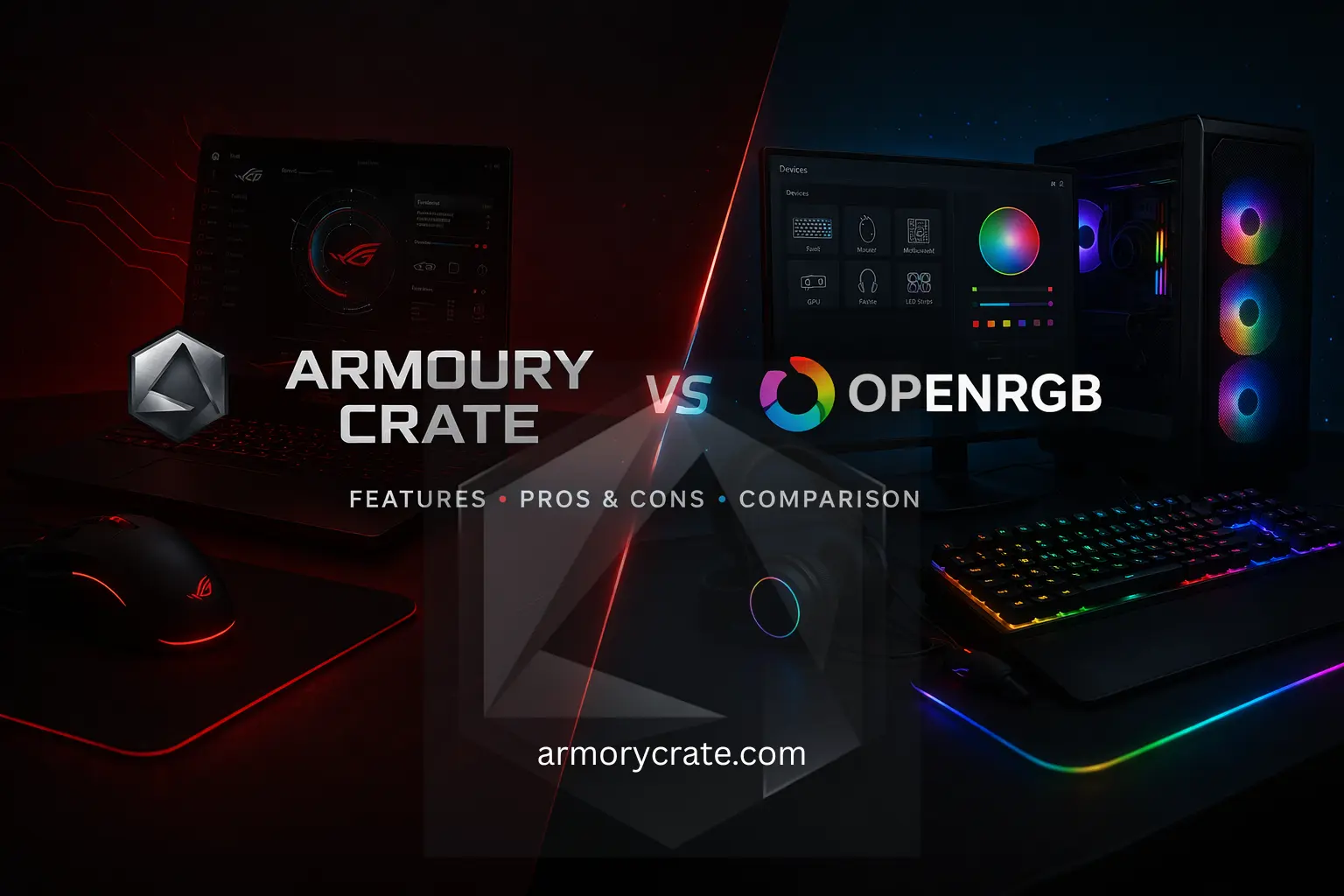
If you have ever wanted full control over your PC’s lights and settings, then you have probably heard of Armoury Crate and OpenRGB. Both allow you to customize colors, effects, and hardware performance, but they do it in different ways. Armoury Crate is great if you want an all-in-one solution with easy setup, while OpenRGB gives more freedom and works with a large range of devices.
Choosing the right one can save you a lot of time and frustration. In this guide, we will look at how they compare in features, ease of use, and compatibility, so you can quickly see which one fits your PC setup and style best.
What is OpenRGB?
OpenRGB is a free software that allows you to control the lights and colors of almost any PC hardware, like motherboards, graphics cards, RAM, and fans. Unlike some programs that only work with one brand, OpenRGB works across different brands, which gives you more freedom to customize your setup.
You can change colors, create effects, and even sync all your devices together, all in one place. It is a great choice if you want full control without being limited to a single manufacturer.
What is Armoury Crate?
Armoury Crate is also software made by ASUS that allows you to control your PC’s lighting, performance, and system settings in one place. Compared to OpenRGB, it is more focused on ASUS devices, so it works best if your PC parts are from ASUS.
Armoury Crate vs OpenRGB
When it comes to Armoury Crate vs OpenRGB, both tools help you to control your PC’s lighting and settings, but they work in very different ways. One is made for a specific brand with an easy setup, while the other gives you more freedom across different devices. Let’s look at a quick side-by-side comparison so you can understand the difference clearly.
Feature | Armoury Crate | OpenRGB |
|---|---|---|
Developer | Made by ASUS | Open-source (community-made) |
Compatibility | Best for ASUS devices only | Works with many brands |
Ease of Use | Easy to use, beginner-friendly | Slightly technical for new users |
Features | RGB control + system settings + driver updates | Mainly RGB control with deep customization |
Freedom | Limited to the ASUS ecosystem | Full control across devices |
Setup | Simple and quick setup | May need extra setup in some cases |
Performance Impact | Can be heavier on the system | Lightweight and fast |
Major Differences Between Armoury Crate and OpenRGB
When comparing Armoury Crate vs OpenRGB, the main differences come down to ease of use, compatibility, and how much control you want. Both tools are useful, but they are built for different types of users. Some people prefer a simple, ready-to-use experience, while others like full control even if it takes extra effort. Now we are comparing both in detail, so you can understand which one fits better.
Ease of Use and Interface
One of the biggest differences is how easy the software feels. Armoury Crate has a clean and simple design, so you can quickly find options and change settings without confusion. Everything is well organized, which makes it a good choice for beginners.
On the other hand, OpenRGB can feel a bit technical at first. The interface is not as polished, and new users might need some time to understand how things work.
Device Compatibility and Ecosystem
OpenRGB supports many different brands, which is great if your PC has mixed hardware like MSI, Gigabyte, or Corsair parts. It tries to bring everything into one place.
Armoury Crate focuses mainly on ASUS devices. While this limits cross-brand support, but it also means better integration. Things usually work more smoothly without random bugs, especially if your setup is mostly ASUS.
Macros All-in-One Features vs Single Purpose
Armoury Crate is not just for RGB. It also handles system performance, fan control, updates, and even game profiles. This makes it a complete control center for your PC.
On the other side, OpenRGB is mainly built for lighting. It gives detailed RGB control, but it does not replace other system tools, so you may still need extra software for performance settings.
Setup Process and Time Required
Armoury is quick to set up. You install it, and most features start working automatically with minimal effort. On the other hand, OpenRGB sometimes needs manual steps, like enabling certain settings or checking compatibility lists. This can feel like extra work for beginners.
Customization Depth
OpenRGB gives you deeper control over lighting. You can fine-tune effects and adjust devices in more detailed ways. Also, Armoury Crate offers good customization too, but it keeps things simpler and more guided, which many users find easier to handle.
Stability and Reliability
Armoury Crate is generally more stable within ASUS systems because it is officially supported and regularly updated for those devices. And OpenRGB can sometimes have small issues depending on the hardware, especially with less common devices, since it relies on community support.
System Performance Impact
OpenRGB is lightweight and runs quietly in the background without using many resources. And other side, Armoury Crate uses more system resources, but that is because it offers more features. For most modern PCs, this difference is not a big problem.
Which One Should You Choose?
Choosing between Armoury Crate vs OpenRGB depends on what kind of experience you want from your PC. Some people want everything simple and ready to use, while others prefer more control, even if it takes extra time.
Choose Armoury Crate if:
If you want something that just works without much effort, then Armoury Crate is a better fit. It is designed in a way that makes everything easy to understand, even if you are new to PC settings. You do not have to spend time figuring things out, and most features are already set up for you.
It is also a great choice if your PC has ASUS parts. The software works smoothly with them, so you are less likely to face issues. Plus, you get extra features like fan control, system settings, and updates all in one place, which makes managing your PC much easier overall.
Choose OpenRGB if:
OpenRGB is a good option if you like having more control over your setup and do not mind spending some time adjusting settings. It works with different brands, so it is useful if your PC has a mix of hardware from different companies.
It is also better for those users who want detailed RGB customization and prefer a lightweight software that does not use many system resources. Just keep in mind that it may take a bit more time to set up and understand compared to Armoury Crate.
How to Switch from Armoury Crate to OpenRGB?
Switching from Armoury Crate to OpenRGB is not very hard, but you need to do it carefully so that both programs do not clash with each other. The main idea is to remove Armoury Crate completely first, and then set up OpenRGB properly so it can control your devices without any issues.
You can start by uninstalling Armoury Crate from your PC. You can do this from the control panel, but it is better to use the official uninstall tool from ASUS to make sure everything is removed. This step is important because leftover files can sometimes cause problems later. After uninstalling, restart your computer so all changes are applied.
Next, download OpenRGB from its official website and install it. Once installed, open the software and let it detect your devices. You may need to give it permission or enable certain options so it can fully control your hardware. Finally, check if everything is working smoothly.
What OpenRGB Can not Do?
OpenRGB is a powerful tool for controlling RGB lights, but it is not perfect. There are some things it cannot do, especially when compared to software like Armoury Crate. These are a few limitations you should know:
- OpenRGB does not manage system performance. It mainly focuses on lighting. It does not control fan speed, CPU performance, or system modes like some other tools do.
- You cannot update your device drivers or firmware through OpenRGB. For that, you still need separate software.
- It does not give much help or guidance inside the app. If you are new, then it may take time to understand all the settings.
- It does not connect deeply with your system as official software does, so some advanced features may be missing.
Final Words
When it comes to Armoury Crate vs OpenRGB, both tools have their own strengths, and the right choice depends on your needs. If you want a simple, all-in-one solution that works smoothly with ASUS devices, Armoury Crate is a solid option. But if you prefer more control and use different brands in your setup, OpenRGB gives you that flexibility.